
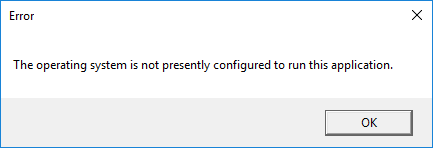
It happened to me that error when I tried to run Skype for Business possibly after some Windows update.
I see that there is also a Microsoft support page on that issue and it is said that this error is typically caused by a mismatch between the accounts that are used in Outlook and Lync/Skype for Business.
Useless for me was any PC restart or other suggested solutions I found on some forums!
Personally I solved the issue going to Control Panel -> Programs -> Programs and Features (Win + R) and then right clicking on the Microsoft Office program, then choosing Change and finally the Online Repair option.
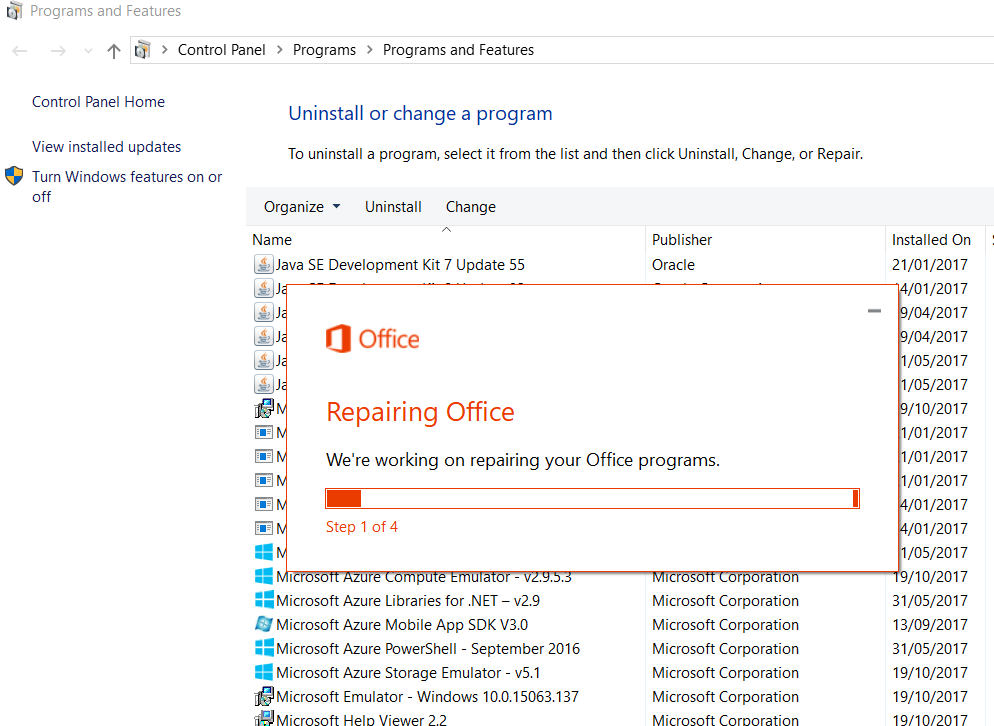
Control Panel -> Programs -> Programs and Features; right clicking on the Microsoft Office program; choose Change; select the Online Repair option.
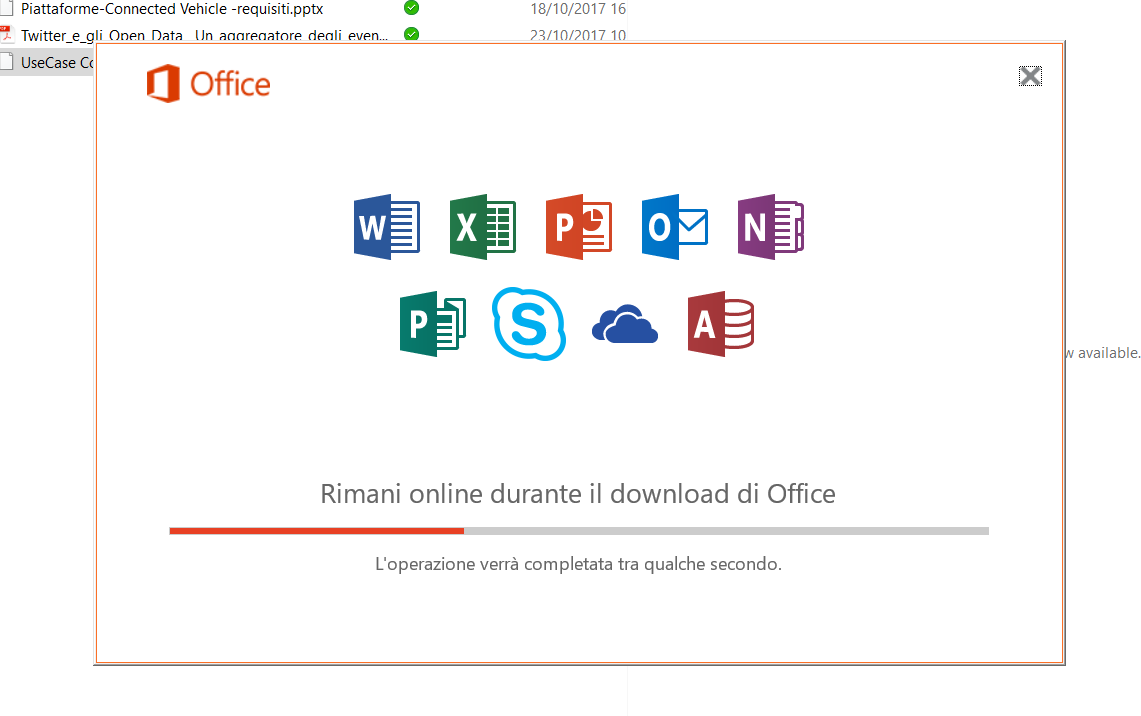
The Office is downloaded from a remote server and reinstalled without loosing the preexisting settings you had on your PC 😉
P.S.
Someone else, in this a post of the social.technet.microsoft.com forum, said that solved the problem running cmd as administrator and then typing:
for /f “tokens=2 skip=6” %G in (‘whoami /user’) do reg delete hku\%G_Classes\VirtualStore\MACHINE /f
I did not try that possible solution but you could try even that!


 Enzo Contini Blog