
Sometime it is useful to create a mailing list because you often need to send the same email always to some people.
In Outlook it is easy to create a group in your contacts and then use it when you write a new email. In the following you will find some screenshots that can help you to create a new group.


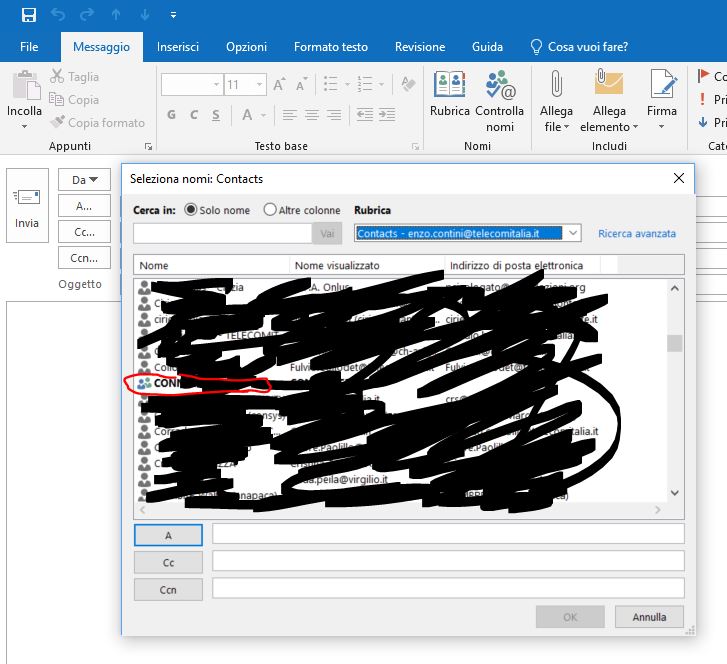
 Then, when you want to send a new email to that group you will find it among your Contacts, listed with a different icon and in bold:


 Enzo Contini Blog