
Unfortunately, even in Windows 10, it happens that the Windows Update starts to not work properly, giving some “strange” errors.
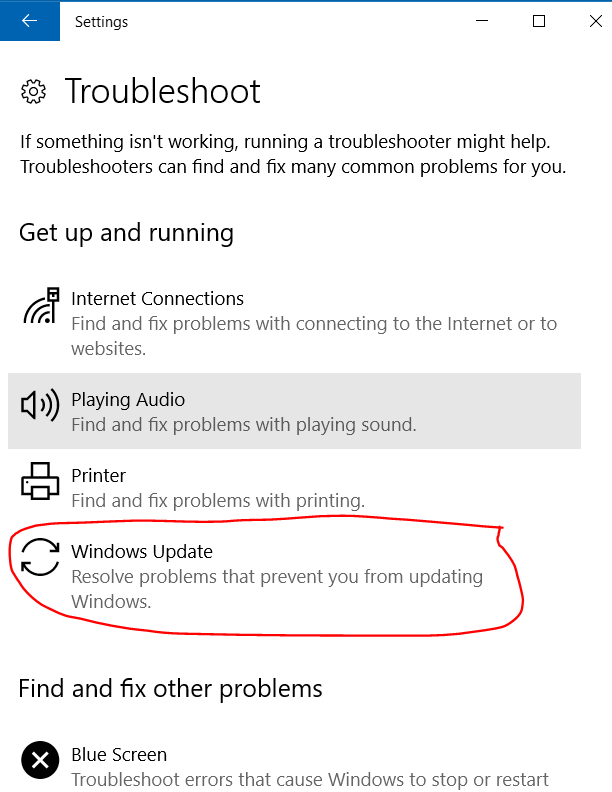
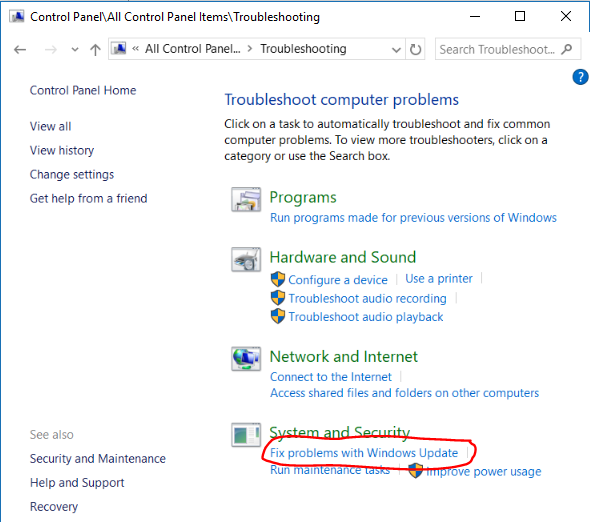
The reasons of the error could be different: obviously you must be rightly connected to Internet, so if you are using some kind of proxy try first to have a direct connection to the Web. But, if you continue to have the issue even after having done a Disk Cleanup and also (as an administrator) a cleanup for system files and then a restart of the PC, you can try the following methods I found looking into the Microsoft Community forum and Microsoft support site.
Note that in Windows 10 a restart is different from a shutdown because only in the first case really the OS starts from the beginning without using possibly cached information in order to startup as quicker as possible.
Having done a some cleanup in the disk and system file could have reset in someway some temporary file the Windows Update could have created before … but anyway it can be useful also for deleting, for example, previous Windows versions so freeing disk space! 😉

Disk cleanup

Cleanup system files




 Enzo Contini Blog