
You need to run on a Command Promp / PowerShell window, the following command:
netsh wlan show drivers
At the bottom there should be a line with:
Wireless Display Supported: Yes (<strong>Graphics Driver: Yes</strong>, Wi-Fi Driver: Yes)
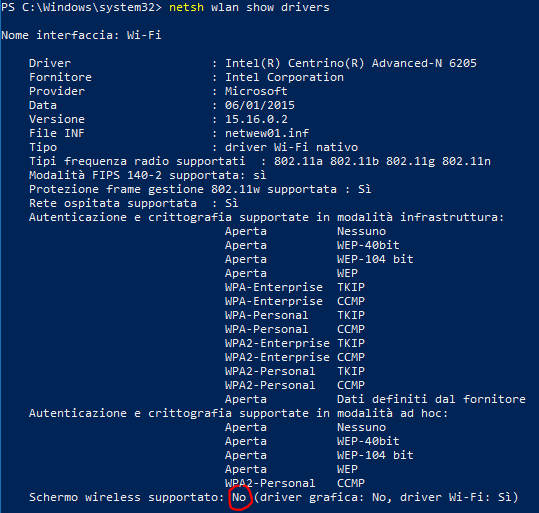
PC that does not support a wireless display connection.
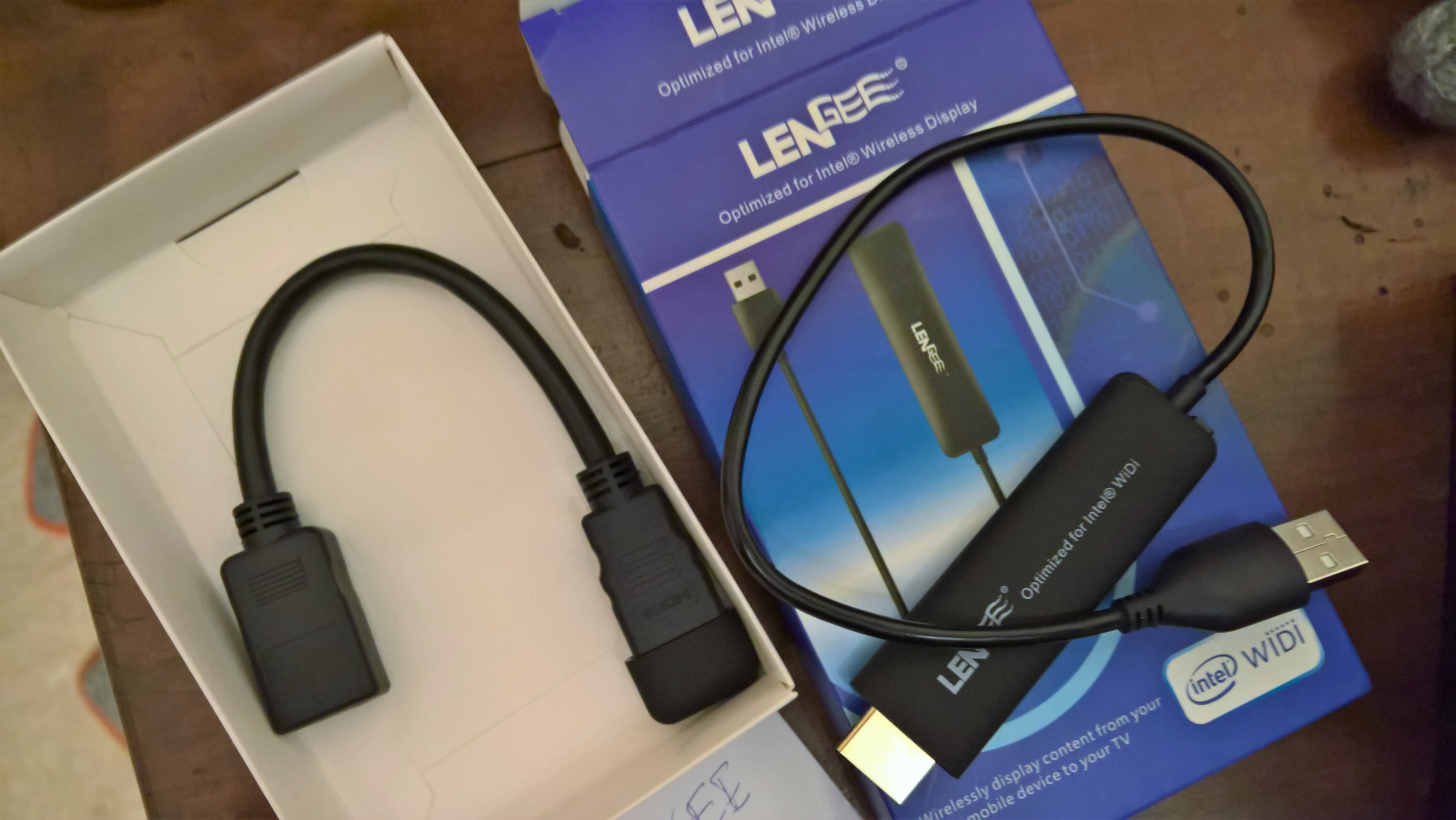
Example of wireless display receiver (1)
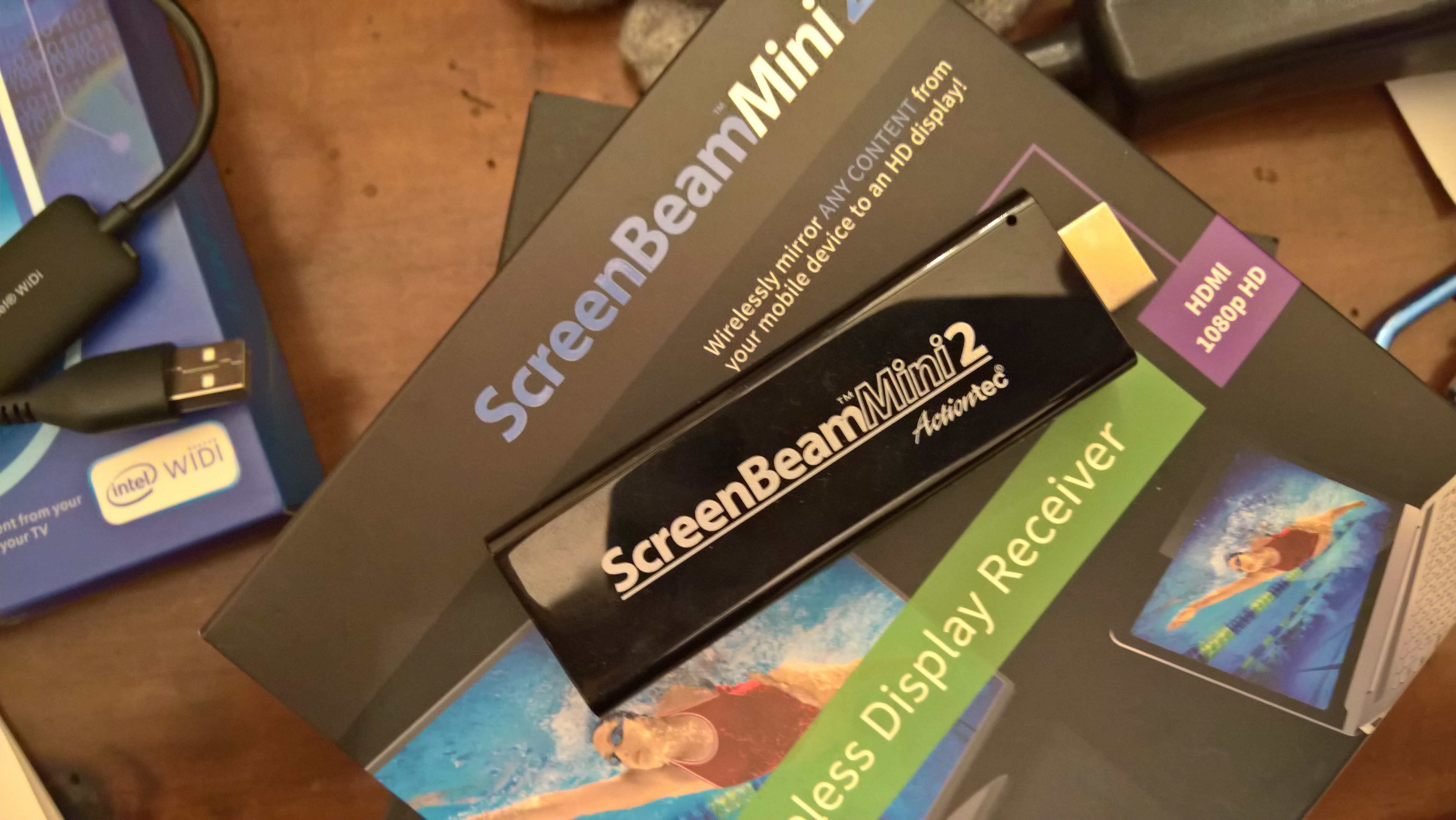
Example of wireless display receiver (2)


 Enzo Contini Blog